Clean Install
Erase the device fully, then install Whisper OS.
Step 1 / 9
Get ready
- Back up your device. The clean install deletes all data on it.
- Open Chrome on a computer.
- Connect the device to the computer with a USB cable.
Result:The device is connected.
Step 2 / 9
Find your erase file
- Use SoftDevice v7 for these devices: Wio Tracker L1 Pro OLED, Fobe Quill nRF52840 Mesh, Fobe Idea Mesh Tracker C1.
- Use SoftDevice v6 for all other nRF52 devices.
Result:You know if your device needs v6 or v7.
Step 3 / 9
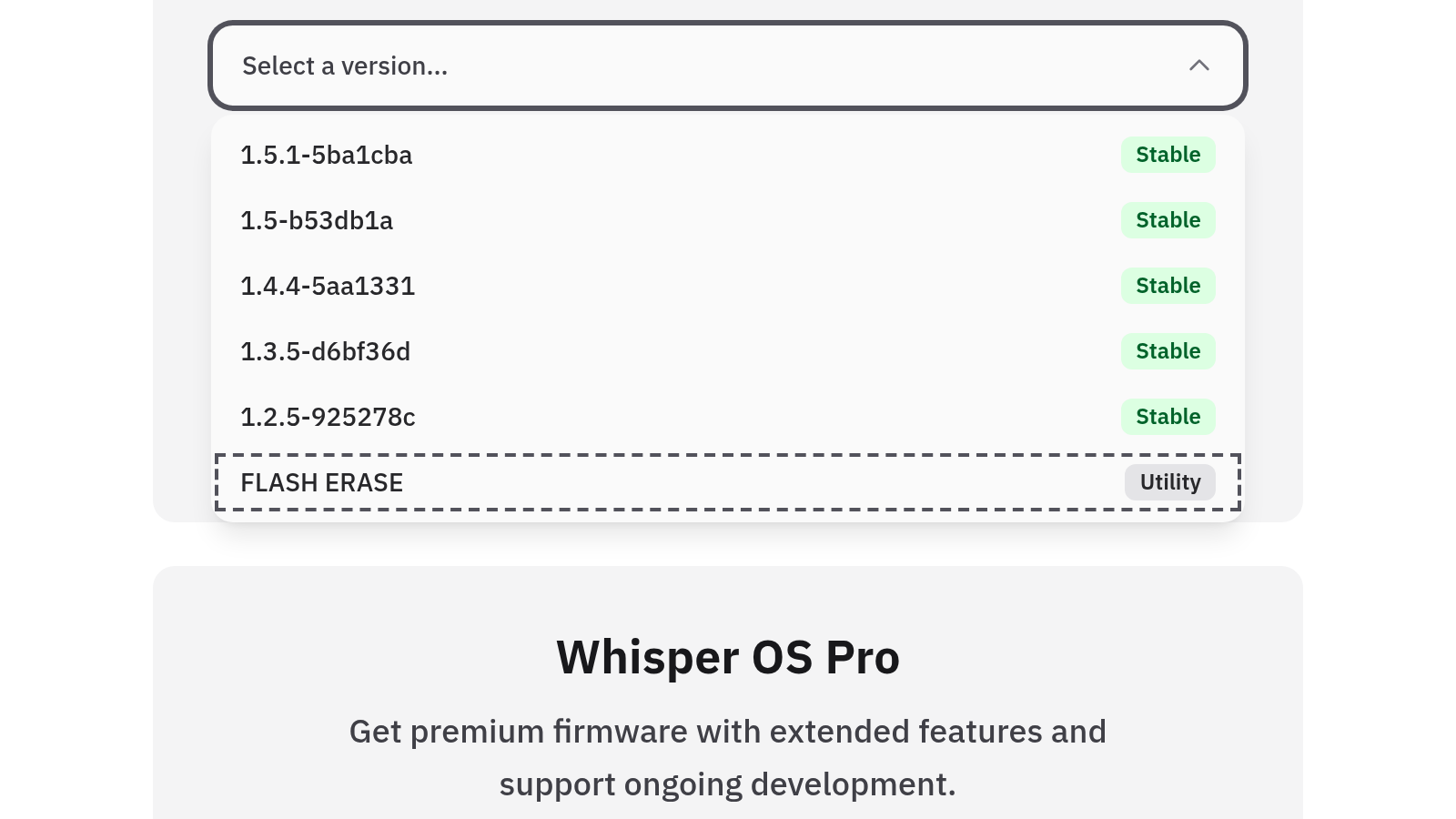
Select FLASH ERASE
- Open whisperos.dev/flasher.
- In Firmware Version, select FLASH ERASE (label Utility). Select OK in the window that opens.
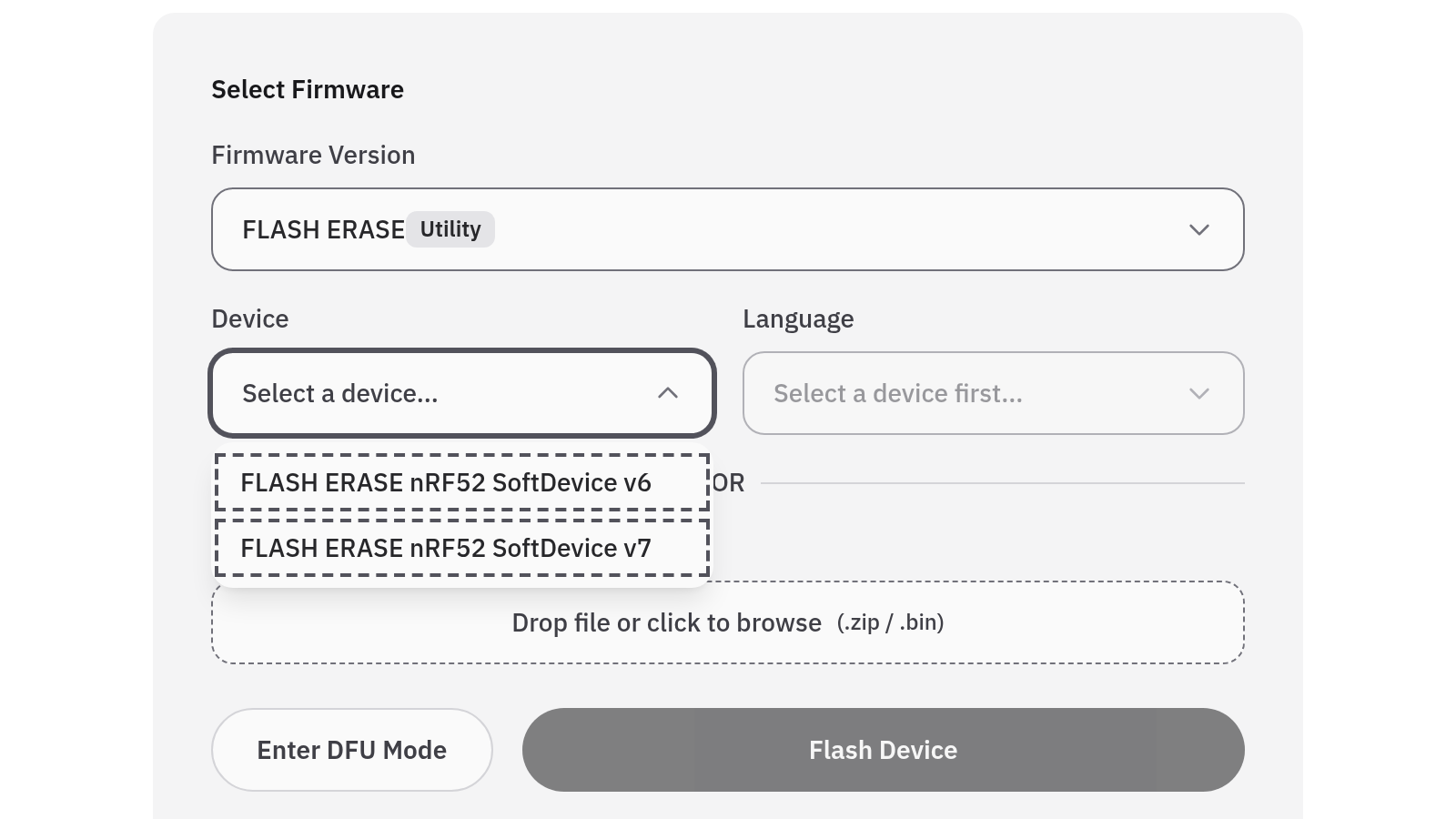
- In Device, select FLASH ERASE nRF52 SoftDevice v6 or FLASH ERASE nRF52 SoftDevice v7.
- In Language, select Multilingual.
Result:A green box shows Looking good, ready to flash!
Step 4 / 9
Put the device in update mode
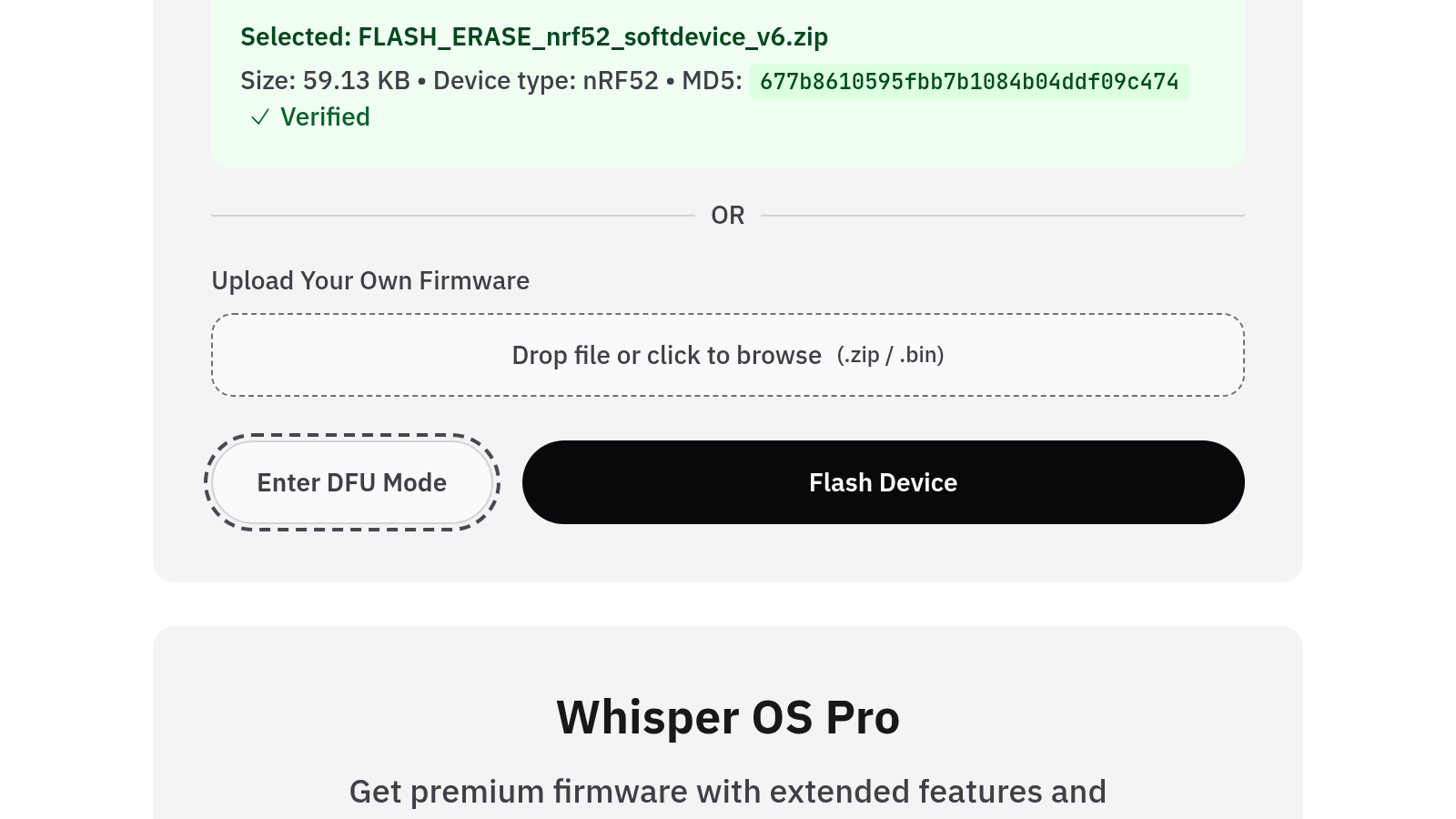
- Select Enter DFU Mode.
- The browser shows a list of ports. Select your device and select Connect.
Result:The device restarts into update mode. The screen turns off.
Step 5 / 9
Run the erase
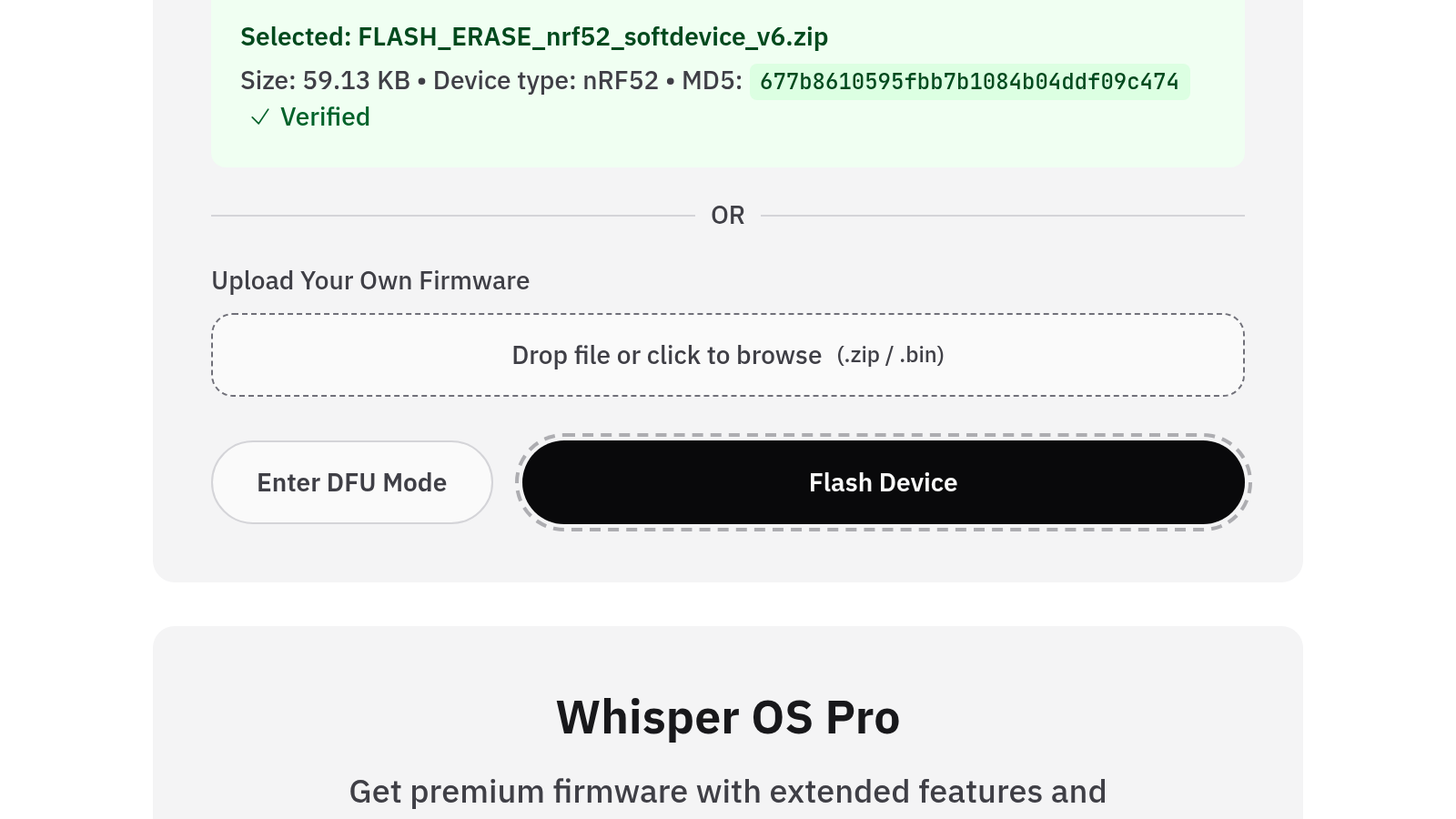
- Select Flash Device.
- Select your device and select Connect.
- Wait until the progress bar shows 100 %.
Result:Flash Complete! appears. The device erases its memory.
Step 6 / 9
Put the device in update mode again
- Double-press the reset button on the device quickly.
Result:A USB drive appears on your computer.
Step 7 / 9
Select Whisper OS
- In the flasher, select Flash Another Device.
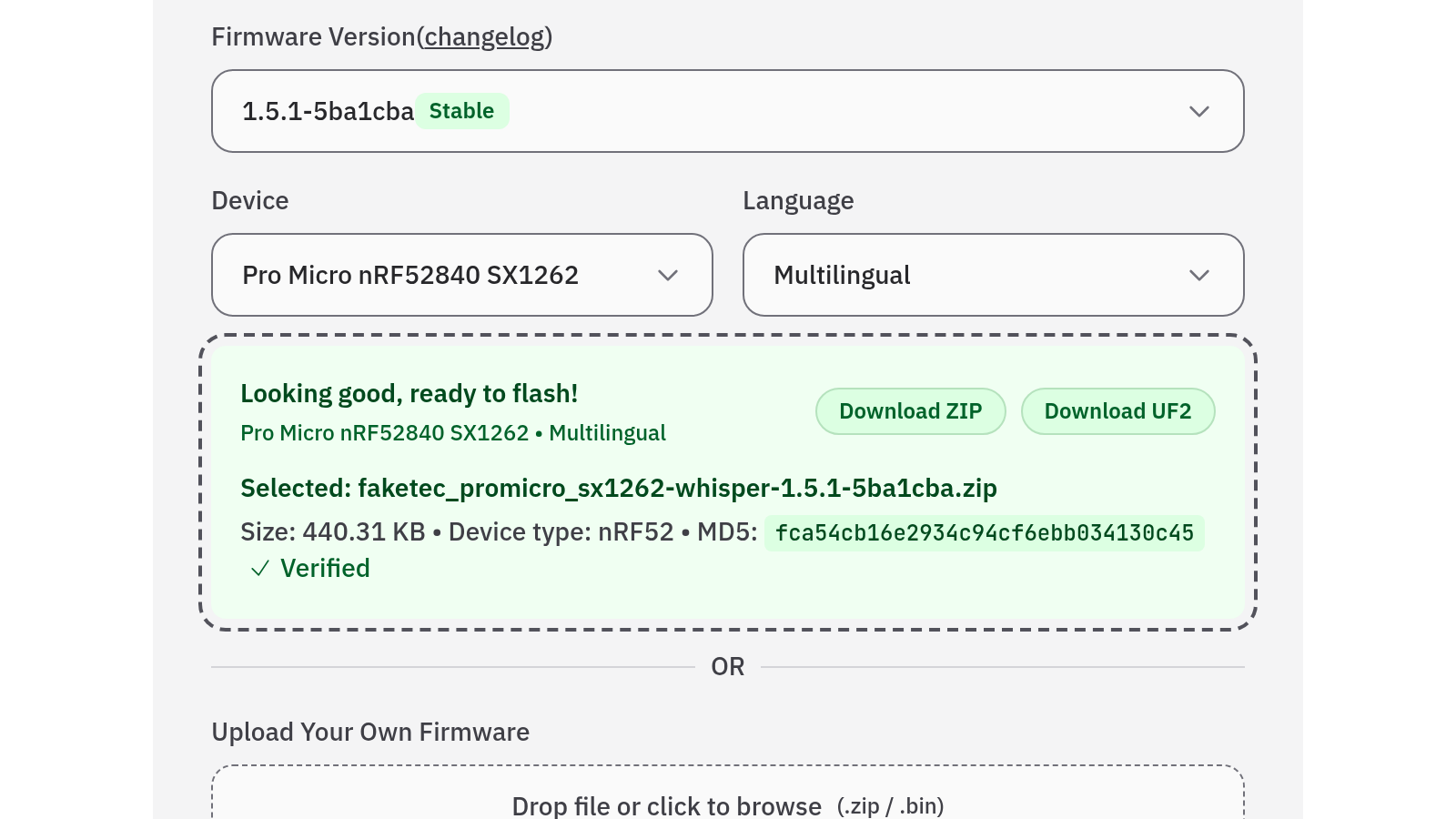
- In Firmware Version, select the newest version with the Stable label. Select OK.
- In Device, select your device. In Language, select your language.
- If your device has a keyboard, select Keyboard in Optional Features.
Result:A green box shows Looking good, ready to flash!
Step 8 / 9
Install Whisper OS
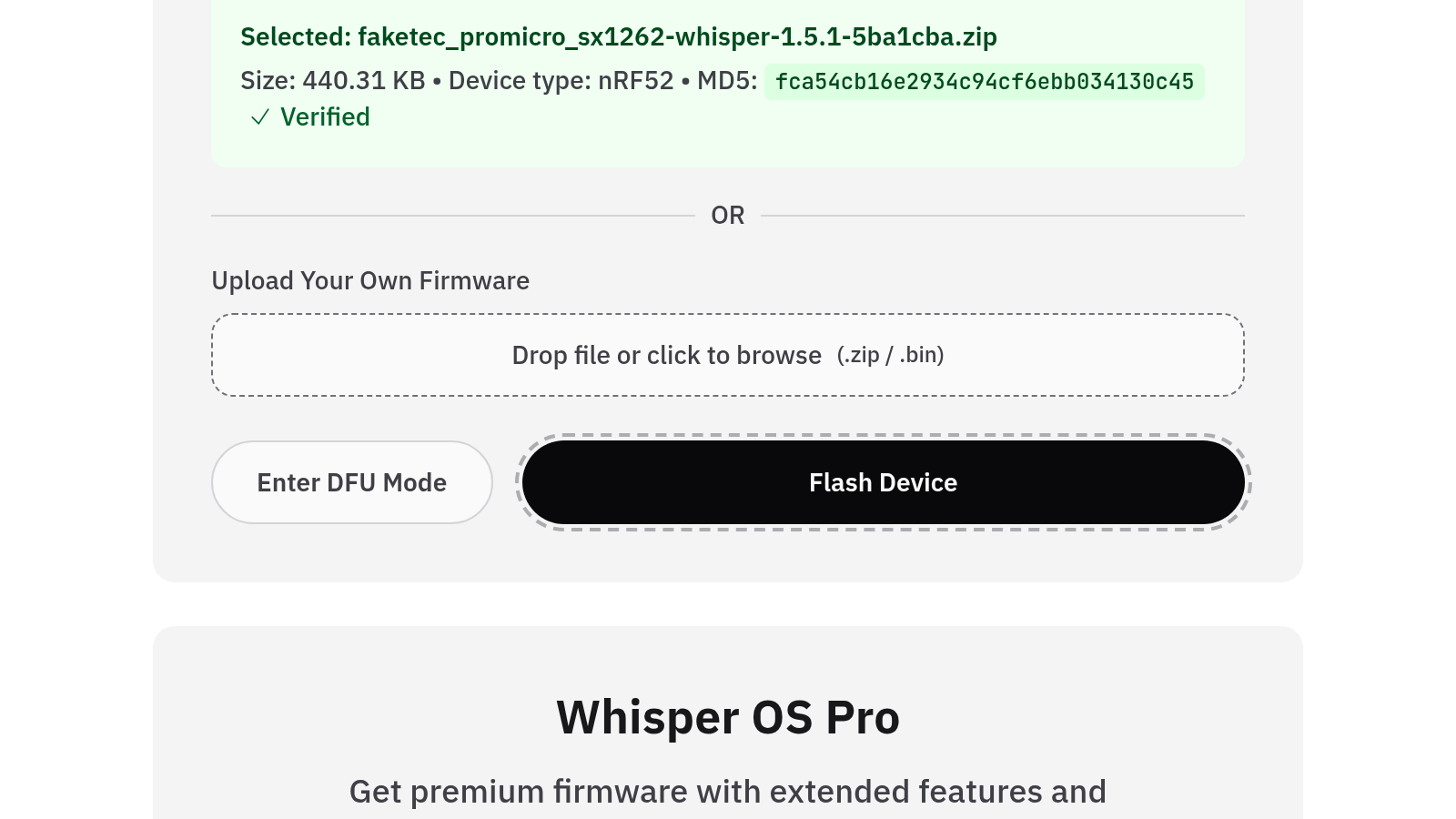
- Select Flash Device.
- Select the port of the device and select Connect.
- Wait until the progress bar shows 100 %.
Result:Flash Complete! appears. The device restarts by itself into Whisper OS.
Step 9 / 9
Check the device
- The screen text is clear and in your language.
- The buttons work.
- The Bluetooth PIN shows on the device.
- Restore your backup.
- If you have Whisper OS Pro, activate it again in Haikou with your activation key or email.
Result:The clean install is complete.
Something went wrong? See Troubleshooting.